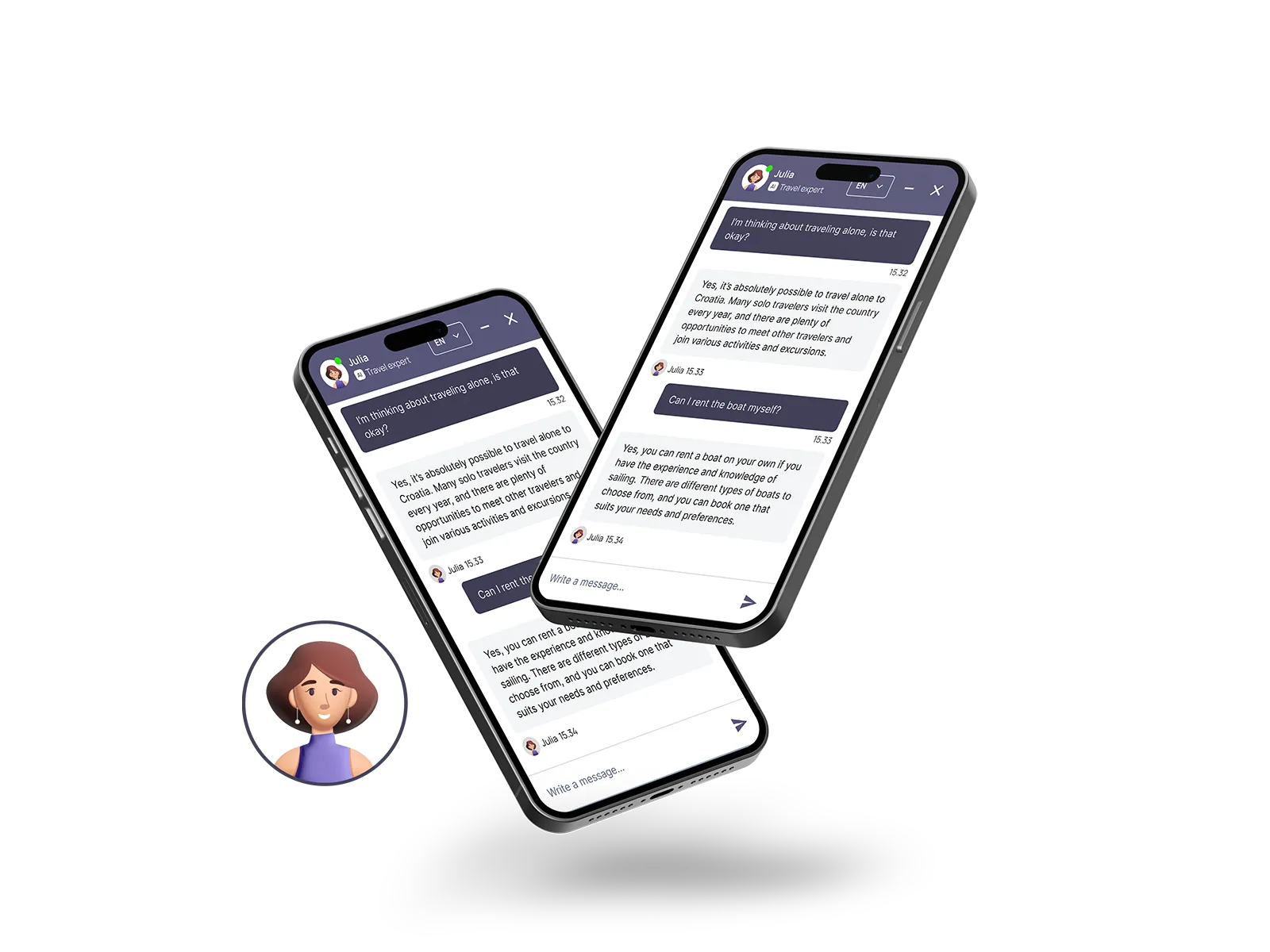
Vaylo proudly presents Julia, the AI chatbot built for travel agencies and tour operators that takes your customer service and sales to new heights. Built with groundbreaking GPT-4 technology, Julia is a revolutionary force in the travel industry.
Julia is more than just a colleague with top-class service levels. She is a powerful sales tool that converts anonymous visitors into interested leads through natural conversation, helping travel agencies get closer to their customers and increase sales.
In combination with Vaylo's tour operator software, she smoothly guides visitors through different travel options based on their preferences before finally helping them book their next dream trip. Meet the future and take your customer service and sales to the next level with Julia at the helm!
Generative AI, which Julia is based on, has taken the world by storm and will change the way we find, book and experience travel. Julia is the world's first specialized AI chatbot for travel agencies that efficiently sells trips, takes bookings and provides information about guests' trips.
She is the old-school travel advisor, but built on the latest GPT-4 technology, ready to become your company's best salesperson.
Can't find what you're looking for? Then you are always welcome to contact us.